How to Implement Zero Trust Architecture on a Limited IT Budget (2026 Guide)
Step-by-step implement zero trust limited budget guide for small IT teams: inventory, pilot, open-source tools, and practical tips to boost security in 2026.
Reading about zero trust security is easy. Making it work when your IT “team” is just you and one coworker, your servers live in the cloud, and your budget barely covers new power adapters? That’s a different story. For small teams, the idea of zero trust feels out of reach—like something only big companies with deep pockets can manage.
But attackers don’t care about your size or resources. Even the smallest company can become a target, and the old mindset of “trust but verify” just doesn’t hold up anymore. The real challenge is figuring out how to make steady, affordable progress toward zero trust without burning out or pausing your business to do it.
Using the NIST Zero Trust Roadmap in Real Life
The National Institute of Standards and Technology (NIST) offers a hands-on approach that works for any team, no matter how small. Their SP 1800-35 guide starts with a basic step: figure out what you have. That might mean spending a weekend with a spreadsheet, tracking down every user, device, app, and important file you can find—even if it takes some digging through admin dashboards.
Once you’ve mapped out your environment, line up your access rules with what your business actually needs. Who really needs to see payroll data or access admin controls? The NIST approach is to use your existing tools first—look at your firewalls, identity solutions, and monitoring before buying anything new. Plug the most critical gaps first, based on which data is most valuable or sensitive.
Zero trust isn’t a project with an end date. NIST encourages you to work in stages: fix access for your highest-risk systems, make sure your protections really work, then keep tweaking as your company and threats change. This method means you don’t have to rip out and replace everything on day one, and you can show results even with a lean budget.
Building a Simple Inventory and a Pilot Project
Jumping into zero trust without knowing what you need to protect is like locking doors in your house at random and hoping for the best. Start by mapping out where your sensitive data lives and how it moves between people and devices. This could be as simple as drawing a chart showing which cloud apps hold client info, who uses which laptop, and where any outside contractors are connecting from.
Guidance from Svitla suggests listing not only devices, but also people—employees, contractors, even third-party vendors. Note down exactly what each person or group has access to and flag anything that’s less secure, like a personal phone or a smart device on your network. List your most important business apps.
With your inventory, you’ll start spotting weak points—maybe you find a shared admin login or an open remote desktop port. Use that knowledge to design a pilot project. Elisity recommends keeping your first test focused: protect one key system, like a cloud-based accounting platform. Decide what “success” means—maybe it’s cutting down on unauthorized login attempts or making sure only the right people can see certain folders.
Prioritizing What Matters Most

Trying to secure everything at once is a recipe for frustration. Both Akamai and Elisity suggest focusing where it counts. Identify your highest-value assets: customer databases, payroll, intellectual property—anything that would seriously hurt if exposed or lost.
Ask yourself: which data would be hardest to recover, most damaging if leaked, or most likely to attract cybercriminals? Start your zero trust controls there. For example, set up multi-factor authentication (MFA) on your main email or accounting system before worrying about less important tools.
For your pilot project, it’s important to identify a measurable target. Instead of focusing on a percentage reduction or a fixed number of users, track the number of unauthorized access attempts or note improvements in how access is controlled. Monitoring these practical outcomes before and after updating your controls will help demonstrate progress and provide a foundation for expanding your zero trust efforts.
Getting the Most from Open-Source Security Tools
One of the best ways to stretch your budget is to use open-source and free software whenever you can. Akamai recommends looking into community-built solutions for things like access management and identity verification. Instead of investing in expensive enterprise software, try open-source identity providers, free MFA apps, or policy engines made and maintained by the security community.
For access management, many teams start by connecting open-source policy tools to their existing user directories. You can set up role-based access or more detailed permissions without paying for a premium subscription. For MFA, free authenticator apps or open plugins can fill a big security gap.
Monitoring is another area where free tools can shine. Use built-in logging from your cloud provider or open-source dashboards to keep an eye on suspicious activity and make sure your rules are enforced. By mixing these tools with what you already have, you can get the key zero trust benefits—strong authentication, detailed access rules, and ongoing monitoring—without breaking the bank.
Meeting the Core Zero Trust Requirements Without Overspending
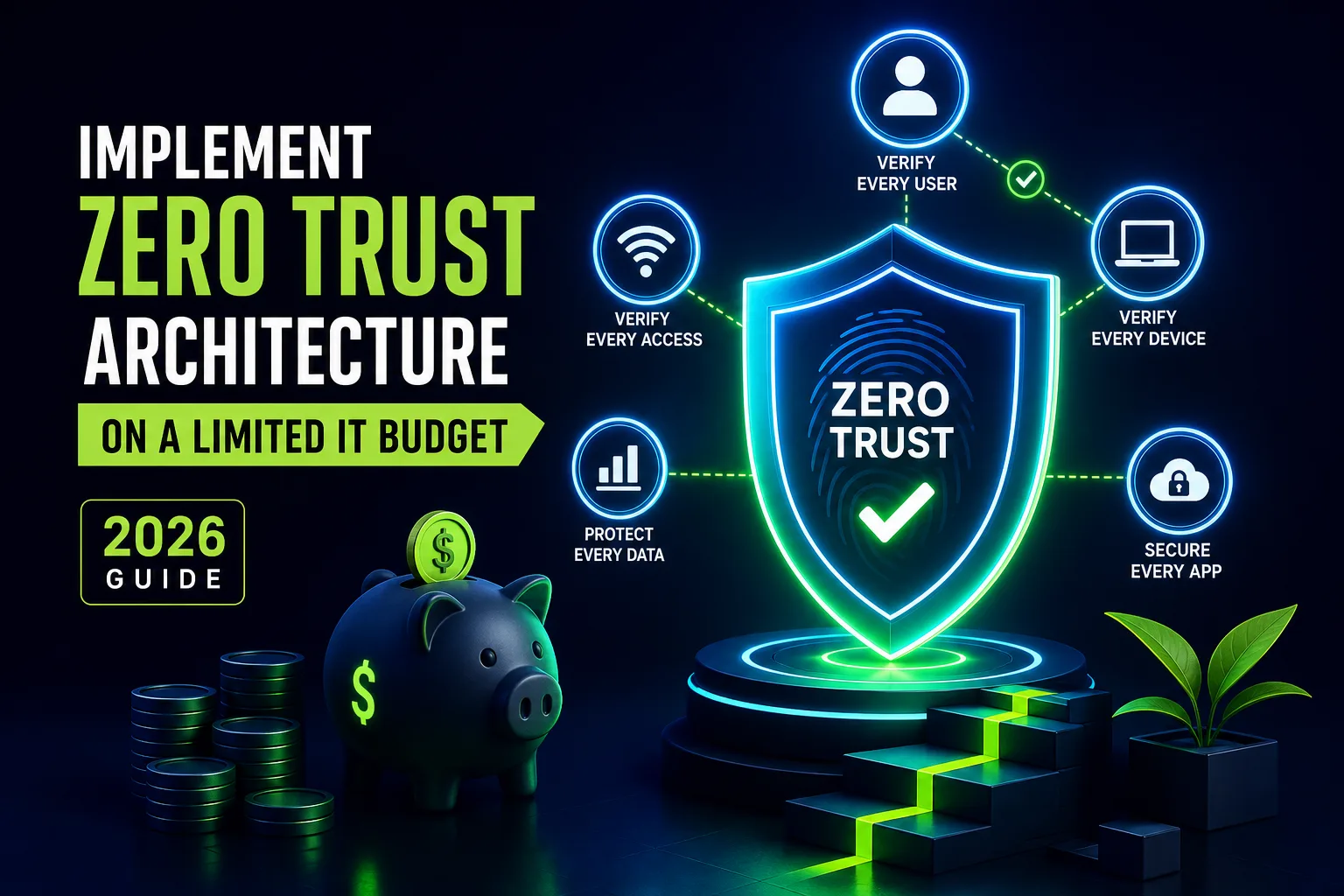
Zero trust can sound intimidating, but the Canadian Centre for Cyber Security boils it down to four essentials: strong authentication, detailed access controls, encrypted traffic, and never trusting any network by default. Every time someone tries to reach a resource, it should be checked and approved, no matter where they are.
Start by examining how people log in to your systems. If you’re still using passwords alone, find a way to add MFA—even if it’s just a free app. For access control, stick to the “least privilege” principle: only give people what they need to do their jobs, and use group settings or roles to keep it manageable.
Encrypting everything might sound complicated, but most modern cloud services and even basic office networks use secure connections by default. Double-check that no one’s connecting over old, unencrypted channels—even inside your office. Treat every network as potentially dangerous; only allow connections that are authenticated and protected.
Budgeting: Where to Spend, Where to Save
Zero trust isn’t just a technical checklist—it’s about smart spending, too. Elisity breaks costs down into four main buckets: technology, outside help, training, and ongoing upkeep. For small teams, the trick is to get the most value from every dollar.
Use free and open-source options for access control and authentication whenever possible. Focus your spending on training your staff, since better habits and awareness can do more for your security than another shiny tool. If you need outside expertise, lean toward short-term help or partnerships instead of signing long contracts.
Don’t ignore maintenance. Even the best zero trust plan needs regular checkups as your users and devices change. By investing in people and processes—not just products—you build a program that lasts, no matter which vendors come and go.
Small-Scale Pilot: Zero Trust in Action
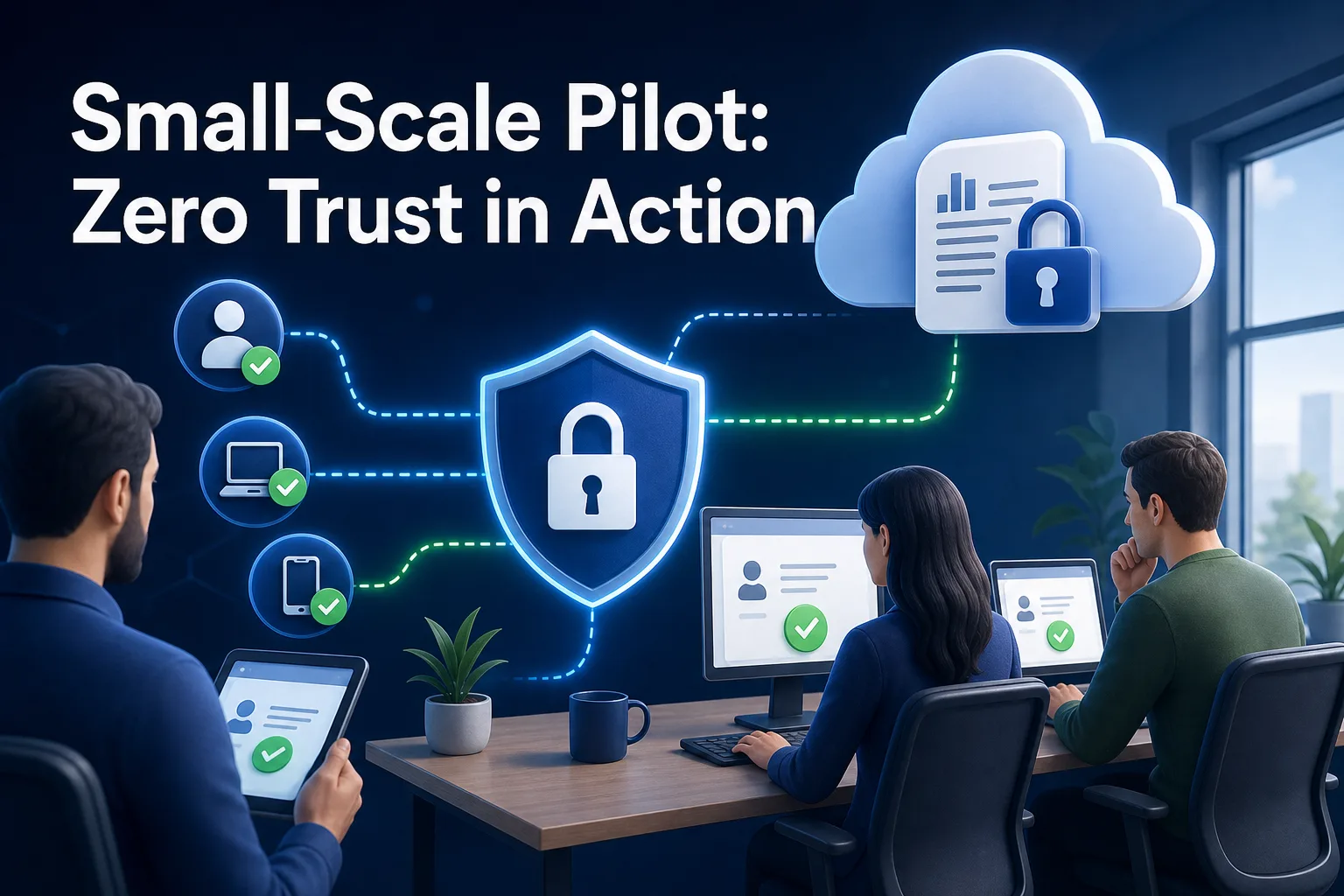
Consider a small business that relies on a single cloud-based accounting tool. The owner, worried about phishing, decides to run a zero trust pilot using Elisity’s recommendations. First, they locate where payroll data is stored (the cloud app), list who uses it (just the accountant and manager), and check security (currently only passwords, no MFA).
Next, they set up stricter access: only the accountant and manager can log in, and only from approved devices. They add free multi-factor authentication. Over the next month, they see fewer suspicious login attempts. With real numbers to show, the owner can make a solid case for rolling out zero trust controls to other business apps.
This isn’t a one-off story; it’s a common pattern for small organizations. Starting small, targeting real risks, and measuring your results gives you a clear, manageable path to better security.
What to Do After Your First Success
Once your pilot is underway, it’s time to review and improve. Use what you learned—the wins and the headaches—to adjust your policies and tools. If one step was easy, repeat it for another department or app. If something didn’t work, fix it before moving on.
Keep your inventory up to date as people join, leave, or get new devices. Make regular staff training part of your routine, not a box-ticking exercise. And reach out for help if you need it—there are plenty of open-source communities and cybersecurity groups that share advice and free resources.
Zero trust isn’t something you finish and forget. It’s an ongoing way to run your IT safely as your business grows and changes. With a sensible plan, clear priorities, and smart use of existing and free tools, even the smallest IT teams can make a real difference. The most important step is to start—pick one system, make it safer, and build from there.