How to Create a Change Management Plan for ERP Adoption
Learn how to build a change management plan ERP adoption with phased timelines, budget tips, training, resistance tactics, and post-go-live support.
The decision to roll out a new ERP system can feel like a double-edged sword. Leaders are eager for better data, faster workflows, and a clean break from old frustrations. But on the ground, plenty of people are bracing for disruption and extra work. Most have heard stories of ERP launches that dragged on for months, left users lost, or never delivered what was promised. What often gets missed is that many of those headaches aren’t about the software—they happen because no one truly prepared the people who have to use it. The real difference between a successful ERP rollout and one that descends into confusion usually comes down to a plan that puts people at the center of every step.
Why Change Management Makes or Breaks ERP Projects
A new ERP touches everything: invoices, shipping, inventory, the way managers run reports, even how vacation days get approved. No matter how much you spend on tech, it only pays off if people use it the right way, every day. That’s where most ERP projects struggle—launch day arrives, but adoption is slow and the old ways linger.
Studies from Prosci and Oracle NetSuite have shown again and again that skipping a structured change management approach leads to missed deadlines, budget blowouts, or sometimes total project collapse. You can build a flawless system, but if people don’t understand or trust it, the company ends up stuck—paying for new software while staff keep falling back on the old tools.
A real change management plan bridges this gap. It gives everyone—from execs to end users—a clear roadmap for what’s happening, what’s expected, and where to get help. That’s how ERP investments turn into actual results.
How to Budget for Change Management in ERP
Change management is often the first thing to get cut when budgets are tight. But the most experienced ERP leaders see it as mission-critical, not optional. The current standard, according to benchmarking from Prosci and guidance from NMS Consulting, is to allocate 15–20% of your total ERP project budget for change activities. So, for a $500,000 ERP project, that’s $75,000–$100,000 dedicated just for this purpose.
This money covers much more than a few training sessions or announcement emails. It funds full communication campaigns, building out training programs, writing user guides, supporting change champions, and the crucial support after go-live. It also pays for the hours needed to map out stakeholder impacts, address pockets of resistance, and track how adoption is going.
When you set this money aside from the start, you’re positioned to act on feedback, add extra training where needed, and avoid those costly mistakes that happen when change management gets rushed or ignored.
Building a Realistic Timeline for ERP Change Management
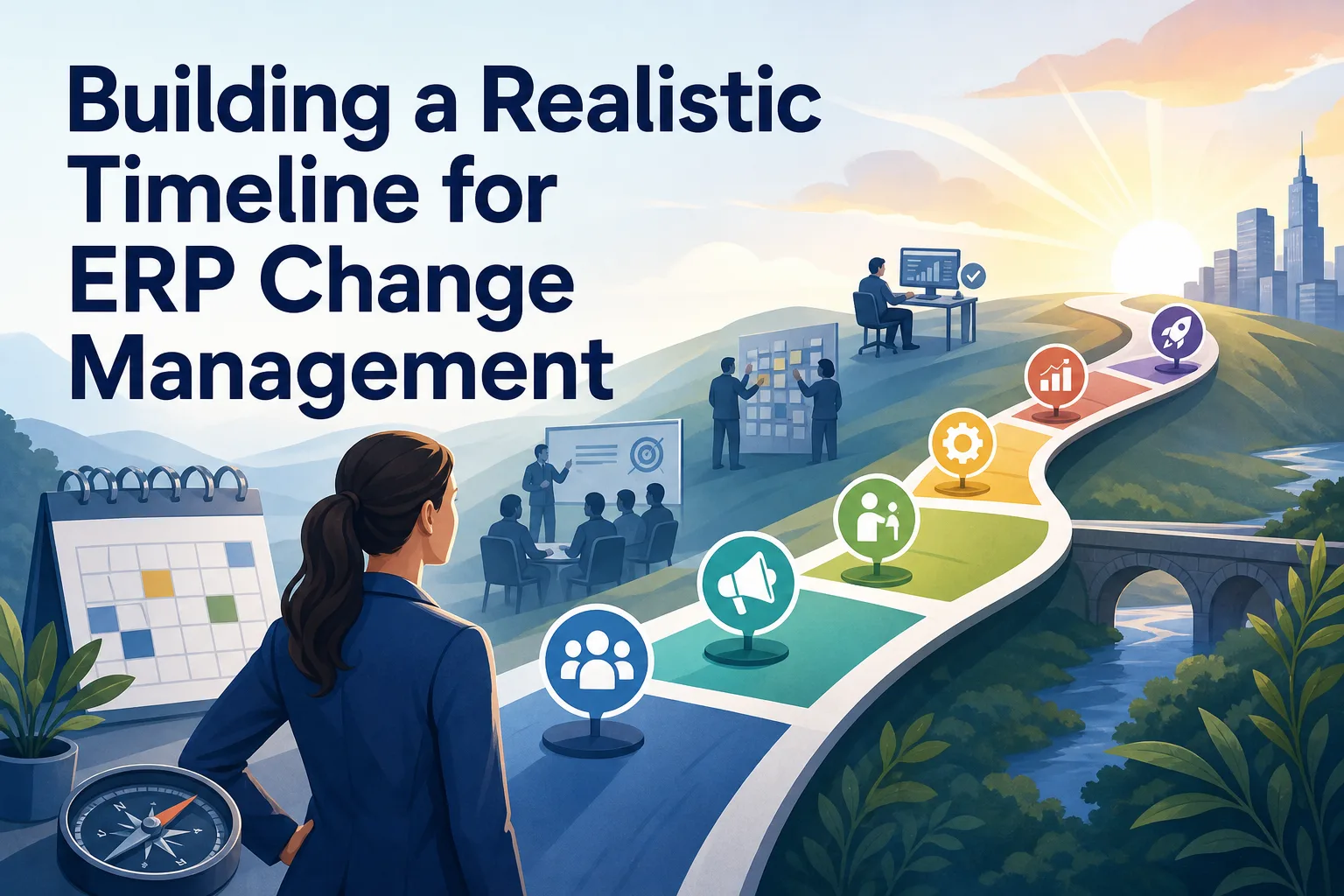
An effective ERP change management plan follows a phased timeline starting months before go-live and running well after. This isn’t a vague outline—it’s a practical workplan with concrete actions, owners, and deadlines.
Typically, things start to move 3–6 months ahead of launch with the Awareness phase. This is when sponsors share the vision for change and begin identifying which teams and roles will be most affected. About four months out, the Understanding phase kicks in: process walkthroughs, impact briefings, and honest conversations about how work will change.
In the last two months before launch, Preparation ramps up. Hands-on training begins, users practice in a test version of the ERP, job aids roll out, and change champions start helping their teams. The Adoption phase starts at go-live, with floor walkers in busy areas, daily check-ins, and quick troubleshooting to keep things moving.
A 30-60-90 day rollout model keeps the chaos in check. In the first month, focus on sponsor communication, mapping out role changes, pinpointing training needs, and setting up a support desk. Days 31–60 are for delivering training, running practice scenarios, checking user access, and watching early adoption metrics like training completion and logins. The last 30 days are about reinforcing new habits, fine-tuning messages, and tracking real business results.
The Building Blocks of an Effective ERP Change Plan
A proper change management plan ERP adoption is more than a list of good intentions. It’s a structured plan where every action is mapped by workstream, owner, audience, start and end dates, dependencies, and what proof shows it’s done. The main pillars are leadership alignment, staff communications, training and support, and a focused post-launch support effort.
Start by mapping stakeholders: who’s affected, what changes for them, and where resistance could show up. Then, use a change impact assessment to highlight which processes or teams need extra attention.
A clear communication plan is key. Spell out what needs to be shared, who needs to hear it, which channels to use, and how often. But don’t just push updates—build in ways for people to ask questions, give feedback, and raise concerns, through Q&A sessions or open office hours.
Executive sponsorship needs to be visible and ongoing, not just a one-time speech. Assign specific roles for leaders in messaging and decisions, and recruit change champions from each area to help their peers.
Include readiness checks such as surveys, interviews, and briefing sessions to see if teams are truly prepared before go-live. Define adoption metrics early, so there’s no guessing how progress will be tracked.
A simple plan table should cover: Activity, Audience, Owner, Start Date, Due Date, Dependencies, Proof of Completion, Status, Risk/Issue, and Notes. This lets you spot problems and provide support before they get out of hand.
Training and Enablement: Getting Users Ready
No ERP project works if users don’t understand how to do their jobs in the new system. That’s why a thorough ERP training plan is a must. The best approach is role-based: map out every group, then create training that matches what they’ll actually do in the ERP day to day.
Most users need 16–24 hours of targeted training per role in the weeks before go-live. This should be followed by a week of practice in a sandbox environment, where users test out real scenarios without fear of breaking anything. Change champions (often supervisors or power users) go deeper, with about 40 hours of training, so they can support their teams and solve problems quickly.
Job aids, quick reference cards, and short how-to videos help reinforce what’s learned in class. After go-live, monthly “tips and tricks” sessions can highlight new features and answer questions that pop up.
For example, at a manufacturing company, finance staff attended three half-day workshops on their new reporting tasks, then spent a week practicing with real invoices in the test system. Change champions held daily office hours to help with roadblocks, nearly eliminating last-minute panic.
Tackling Resistance and Building Buy-In
It’s normal for people to push back against ERP changes. Sometimes, that resistance is actually helpful—it can highlight real issues that leaders might miss. The trick is to listen and respond, not dismiss concerns out of hand.
Start by hearing people out. If someone voices a worry, take it seriously and acknowledge that change is tough. Then, look for patterns: Is the concern about job security, fear of failure, feeling overloaded, office politics, or a real technical problem? Each one calls for a different response.
For fear, more involvement and reassurance can help. For extra workload, maybe offer temporary support or adjust timelines. For technical issues, quick fixes are essential.
Always circle back within a week to see if the concern is resolved. If it lingers, escalate to the sponsor or HR for extra help. For instance, when warehouse staff hesitated to use a new ERP mobile app, their manager listened and found the real blocker was spotty Wi-Fi. IT fixed the coverage before launch, and adoption picked up.
Don’t just fight resistance—use it as a way to improve your rollout by showing that feedback leads to action.
Post-Go-Live Support: Hypercare and Tracking Progress
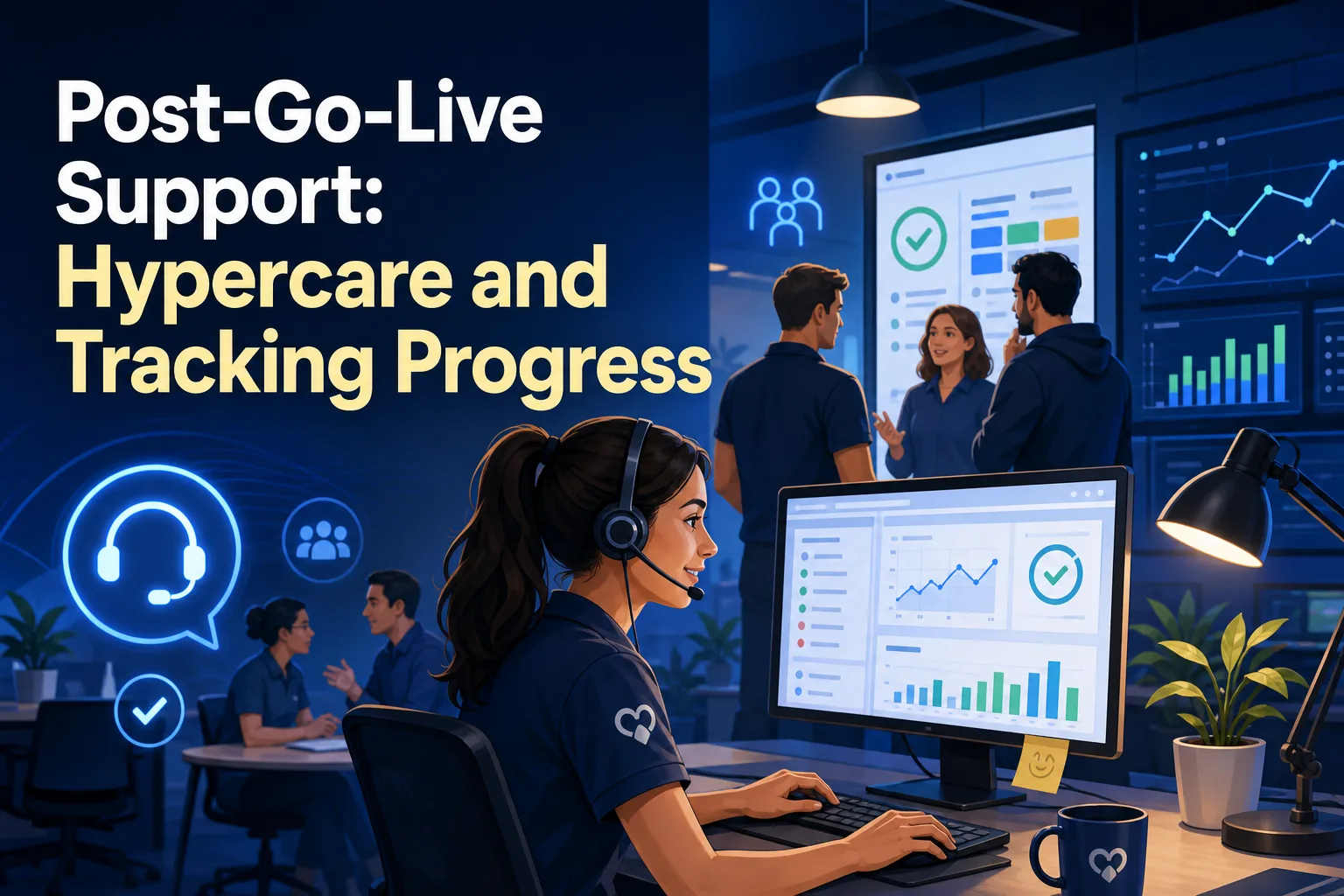
The real test starts after go-live. The first few weeks are usually hectic, with questions, glitches, and nerves running high. Hypercare—a period of intensive support—means having staffed help desks, visible support people in key areas, and daily team huddles to tackle issues fast.
This is also when you start measuring adoption for real. Track concrete numbers: weekly logins, the share of key transactions done in the new ERP (not old tools), training completion, and how many real-life scenarios users can handle. Share these numbers at 30, 90, and 180 days after launch. This makes progress visible, gives teams recognition, and makes it easy to spot where extra help is needed.
A quick tip: put up a whiteboard or dashboard in common areas with these metrics and a “team of the week” shout-out. Recognition goes a long way toward building momentum.
Hypercare also means clear communication. Make sure everyone knows where to get help, how fast issues will be handled, and who owns each type of request.
Turning the Plan Into Daily Practice
A change management plan ERP adoption only works if it stays active all the way through the project. Assign a clear owner—often from HR, transformation, or project management—to update the plan every week. Review adoption data and feedback at least every two weeks, and be ready to adjust training, communication, or support based on what you’re seeing.
Keep your plan table visible to everyone working on the project, not buried on someone’s computer. Celebrate small milestones: when a team gets everyone through training, or a department is the first to hit 100% ERP logins, give them a shout-out.
A basic checklist helps you keep things on track: Are sponsors still visible? Is communication two-way? Are training and support meeting real user needs? Is resistance being addressed? Is adoption measured and recognized?
By making your change plan practical and visible, you turn ERP adoption from a leap into the unknown into a series of manageable steps. The payoff is a team that feels ready for what’s coming—and takes real ownership of the new system.