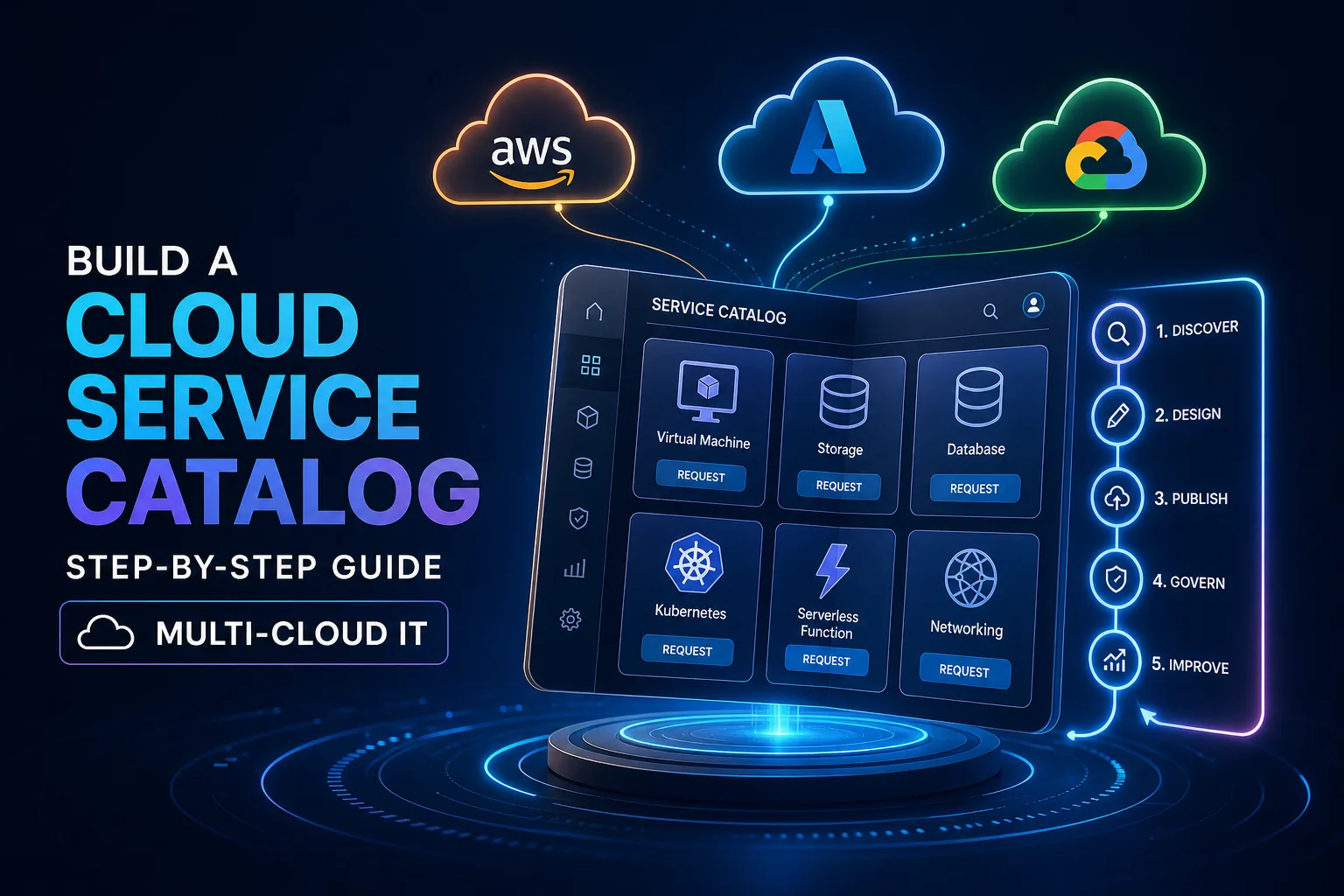
How to Build a Cloud Service Catalog: Step-by-Step Guide for Multi-Cloud IT
Learn how to build a cloud service catalog for AWS, Azure, and Google Cloud. Step-by-step rollout, governance, and automation best practices explained.
If you’ve ever tried to manage cloud requests across several providers, you know how quickly things can spiral. Requests pile up in inboxes, approvals drag on, and users end up waiting while IT juggles priorities. Without a single place to browse and request cloud services, everything slows down—shadow IT pops up, compliance gets fuzzy, and automation efforts stall out. Moving from this reactive chaos to a self-service, governed cloud service catalog isn’t just about adding another tool. It’s about streamlining how teams access the cloud, no matter which provider they use.
A cloud service catalog isn’t just a list on a webpage. It’s a real, dynamic collection of vetted cloud services that users can actually browse, compare, request, and sometimes even provision themselves. Picture it like your company’s internal cloud marketplace. Developers and business users see what’s available, how much it costs, who’s responsible for it, and how to get it—without waiting for IT to process every single ticket.
A well-built catalog makes self-service possible while enforcing the controls IT needs: governance, compliance, and automation. It bridges the gap between cloud’s promise of speed and the reality of enterprise guardrails. Instead of scattered spreadsheets or word-of-mouth, the catalog becomes the single source of truth, powered by standardized workflows that can cross AWS, Azure, Google Cloud, and beyond.
With a catalog in place, requests get handled faster, shadow IT shrinks, and IT stops getting bogged down by repetitive tasks. Plus, costs, SLAs, and owners are visible to everyone, so audits and compliance checks no longer feel like a guessing game.
Laying the groundwork: Requirements, roles, and governance
Before you pick a technical platform, getting the basics right is what sets successful catalogs apart. Cisco’s design methodology walks through this step by step, starting with requirements. Instead of just collecting wish lists, dig into real business goals, map out your existing cloud use (whether you’re working with legacy systems, new builds, or both), and see how teams are actually using cloud today.
Sort out roles and access next. Who should see storage templates versus production databases? Outline governance and compliance needs, including who approves requests, which teams do security reviews, and any regional constraints like data residency. Skipping this step usually means headaches later, with access problems and policy gaps to chase down.
Once you have those details, build a catalog template that organizes services and important details—think Compute, Storage, Networking. Define basic self-service workflows for the most common requests, so you aren’t reinventing the wheel every time. Most importantly, review your draft catalog with both business and IT teams, and adjust it until the structure actually fits how people work.
What to include in each catalog item
Each item in your catalog should have a specific set of fields. ITU Online points to essentials: a clear description, the accountable owner (which team or person is responsible), estimated or chargeback cost, SLA targets (like response or provisioning time), the approval path (manager, security, finance), prerequisites (such as required accounts or VPN), and the provisioning method (manual steps, scripts, Terraform, CloudFormation, or API).
Keeping these fields consistent makes automation and reporting easier. For instance, if every VM request includes CPU, memory, region, and OS, you can build forms and automate deployment down the line.
Skip the technical jargon in descriptions—write in plain English, so non-engineers understand what each service does and how to request it. Assign a clear owner to each service to avoid orphaned resources, and schedule regular reviews for pricing, SLAs, and approval rules. This keeps your catalog current and helps you avoid surprises during audits.
Rolling out your first catalog with a phased approach

Launching a huge catalog all at once usually leads to frustration. Instead, take the phased path ITU Online recommends. Start by checking your ticketing and provisioning logs to find the five to ten most common requests. These could be development environments, storage buckets, database templates, or standard access requests. Automating these gives you early wins and helps refine your process.
Standardize the details for each service: description, owner, cost, SLA, approval path, prerequisites, and provisioning method. Set up request forms and workflows in your chosen platform, whether that’s ServiceNow, Google Cloud, or another tool. Run a pilot with one team, like application development, to collect honest feedback on clarity and speed.
Use that input to improve your workflows, descriptions, and approval chains. Once the initial services are working smoothly, expand to more teams and services. This phased rollout keeps things manageable and builds trust as teams see real improvements.
Multi-cloud support: Templates and automation
If you’re using more than one cloud provider, you don’t need to duplicate all your work. ServiceNow’s Cloud Services Catalog, for example, allows admins to import templates from AWS, Azure, and Google Cloud, or connect Terraform templates to handle multi-cloud orchestration. Governance policies and quotas are set up at the start, so compliance is included in every step.
On AWS, Service Catalog uses CloudFormation templates. You create a portfolio (like all dev/test environments), add CloudFormation templates as products in that portfolio, and assign access to specific IAM roles. Users can then provision standard stacks from the AWS console. Regular reviews help keep things compliant and avoid resource sprawl.
In Google Cloud, the process is straightforward: enable Service Catalog, make sure your IAM permissions are set (cloudprivatecatalogproducer.settings.update and .get), create one or more catalogs with clear names, and add solutions like Cloud Storage bucket templates. Share these catalogs with target projects, so users can deploy approved solutions with just a few clicks.
Whatever platform you choose, automation is key. Templates—whether Terraform, CloudFormation, or native APIs—let you standardize deployments. Forms and workflows route requests, handle approvals, and kick off provisioning without extra manual steps. The end result is a single catalog that delivers speed and consistency, no matter how many cloud providers you use.
Keeping your catalog relevant
A catalog that isn’t maintained quickly becomes unused. To keep it useful, focus on clear language, ownership, and regular reviews. Standardize request fields across similar services—if every VM request asks for CPU, memory, and region, you make things simpler for users and for automation.
Descriptions should make sense to anyone, not just engineers. If things get too technical, users might skip the catalog entirely. Only include optional fields that truly matter for business or compliance, not just because you can.
Assign a clear owner for each catalog item. That person or team is responsible for reviewing price, SLAs, and approval rules—every quarter or six months works for most groups. When something changes, like a new compliance rule or updated pricing, it’s clear who needs to update the catalog.
After each rollout or big update, ask users what’s working and what isn’t. This direct feedback is the best way to make sure your catalog keeps up with what teams actually need.
Example in the real world: Building and testing a Google Cloud catalog

Here’s how you might set up a catalog in Google Cloud. Start by creating both an admin project and a target project. Build a Terraform template for a Cloud Storage bucket, making sure it uses standardized labels and settings to meet your governance requirements. Publish this template as a Service Catalog product in your admin project.
Next, give deploy permissions and a dedicated service account (like sc-provisioner) to the target project. Users with the right access can browse the catalog, pick the storage bucket option, and submit a deployment request. Service Catalog kicks off the provisioning (usually via Terraform), and the service account calls Google Cloud APIs to create the bucket in the right place.
Once the bucket is deployed, check that it and its metadata meet your compliance and tagging rules. If you’re piloting, clean up test deployments and catalog entries after you finish testing. This hands-on approach builds confidence for both IT and users that the process works as planned, and you can apply this pattern to other services.
Next steps and scaling your service catalog
Once you’ve rolled out your first catalog, it’s time to expand. Add new categories like Databases, Networking, and Analytics, and bring more teams on board. Use your platform’s analytics tools to monitor adoption and fulfillment: track how many requests come in, how long they take, and what users think of the process to find any bottlenecks.
Work your catalog reviews into your regular IT operations—schedule them alongside other governance tasks, and ask business units for feedback on new services to add. If your company is moving toward platform engineering, consider integrating the catalog with your developer portal to make it even easier for engineers to find and request services.
Building a cloud service catalog isn’t something you finish in a weekend. But with the right foundations, phased rollout, and ongoing reviews, you can move from scattered, ad-hoc cloud provisioning to a self-service, governed system that grows with your needs. Start small, improve as you go, and keep listening to your users. Soon, you’ll have a cloud environment that’s both flexible and under control.