How to Manage ERP Data Migration Without Downtime: Step-by-Step Guide for 2026
Achieve ERP data migration without downtime using parallel strategies, real-time CDC, and phased cutover—practical guide for a smooth, disruption-free transition.
How to Manage ERP Data Migration Without Downtime
When you’ve seen a business freeze up because of a failed ERP migration, it’s not something you forget. Payroll gets stuck, orders pile up with no resolution, and the help desk turns into a war room overnight. The damage goes beyond lost revenue or annoyed teams. It’s that sinking feeling of being caught off guard, with no solid backup when the chaos hits. Anyone leading a core system move knows the push for ERP data migration without downtime isn’t just a tech checkbox—it’s what keeps business running during a risky transition.
What’s Really at Stake in ERP Data Migration
ERP migrations can feel like walking a tightrope. When things go south, everyone notices instantly. I once worked with a manufacturer that lost a full day of invoicing after a cutover mishap, which led to missed deliveries and angry customers by sunrise. The IT crew had to scramble back to the old system, but not before wasting hours trying to sort out what data was still valid.
For companies that never stop—think logistics, retail, or healthcare—even a short outage can snowball into overtime bills, compliance problems, and shaky customer relationships. That’s why most migration plans today push for true minimal downtime, running old and new ERPs side by side until you’re sure everything checks out.
Speed isn’t the only concern. You can lose important data, end up with mismatched transactions, or spark confusion that doesn’t surface until weeks later if the migration isn’t handled carefully. There’s always pressure to hit the switch quickly, but in reality, keeping the business steady depends on careful planning and steady checks.
Parallel Migration: Step-by-Step Instead of All at Once
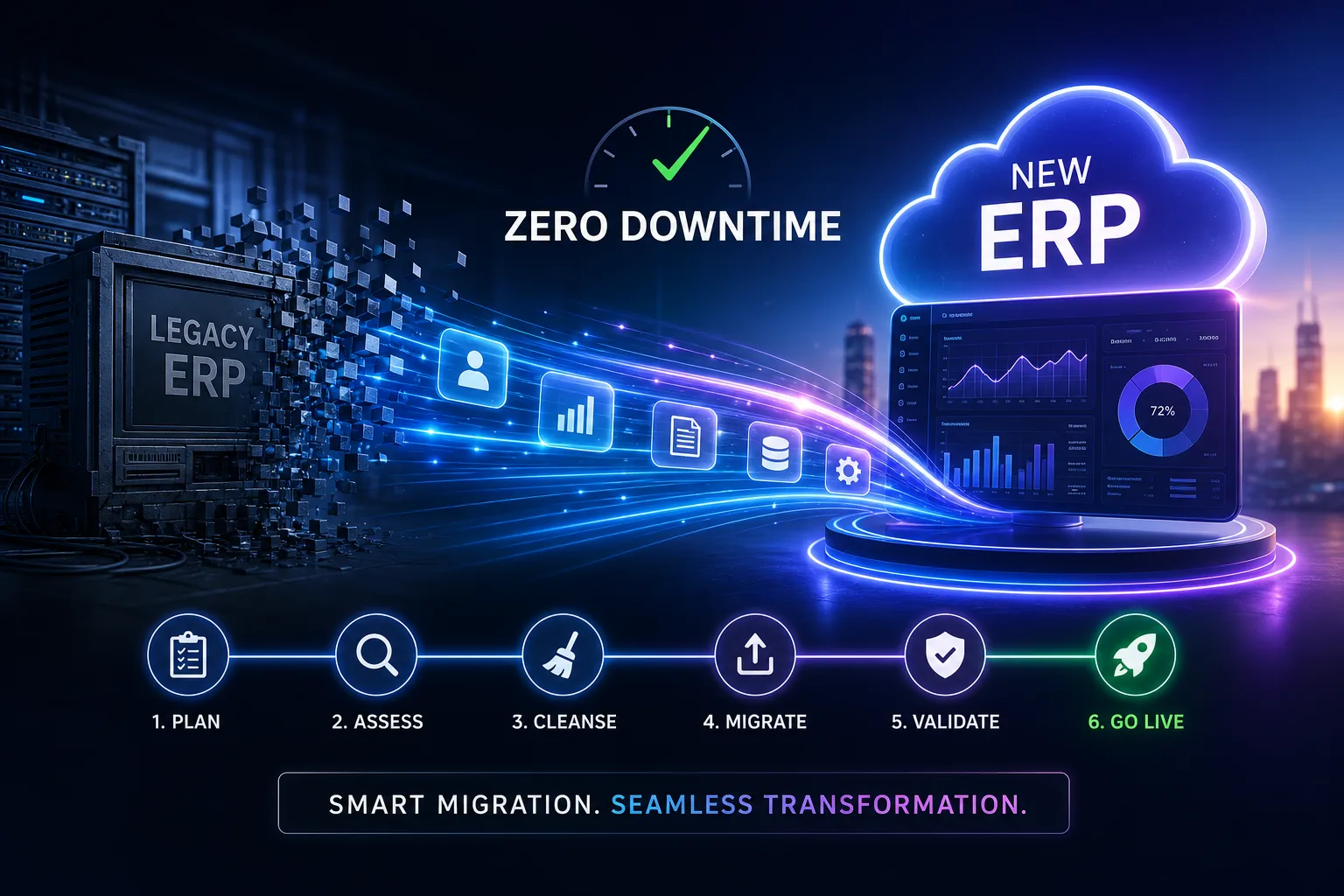
Treating migration as a relay—passing the baton in stages—keeps risk low. Codasol’s method is a solid example: set up continuous replication between your current and new ERP, so every change in the old system instantly mirrors to the new. This lets you run both environments together, compare results, test integrations, and spot mistakes before they hit real operations.
After syncing is in place, comes the full-scale rehearsal. This isn’t a quick technical test. Codasol suggests building a minute-by-minute runbook for the big day, then running it in a sandbox. These practice runs reveal slow steps, permission snags, or overlooked dependencies. Only once the new ERP matches the old one on critical data—like ledger balances and live sales orders—do you move to the last stage: a controlled cutover.
It’s just as important to have a ready-to-go rollback plan. As long as your validation checks haven’t all cleared, the legacy ERP stays as your safety net. If a check fails, you flip back with minimal fuss.
Real-Time Data Sync: Tools That Keep Both ERPs Aligned
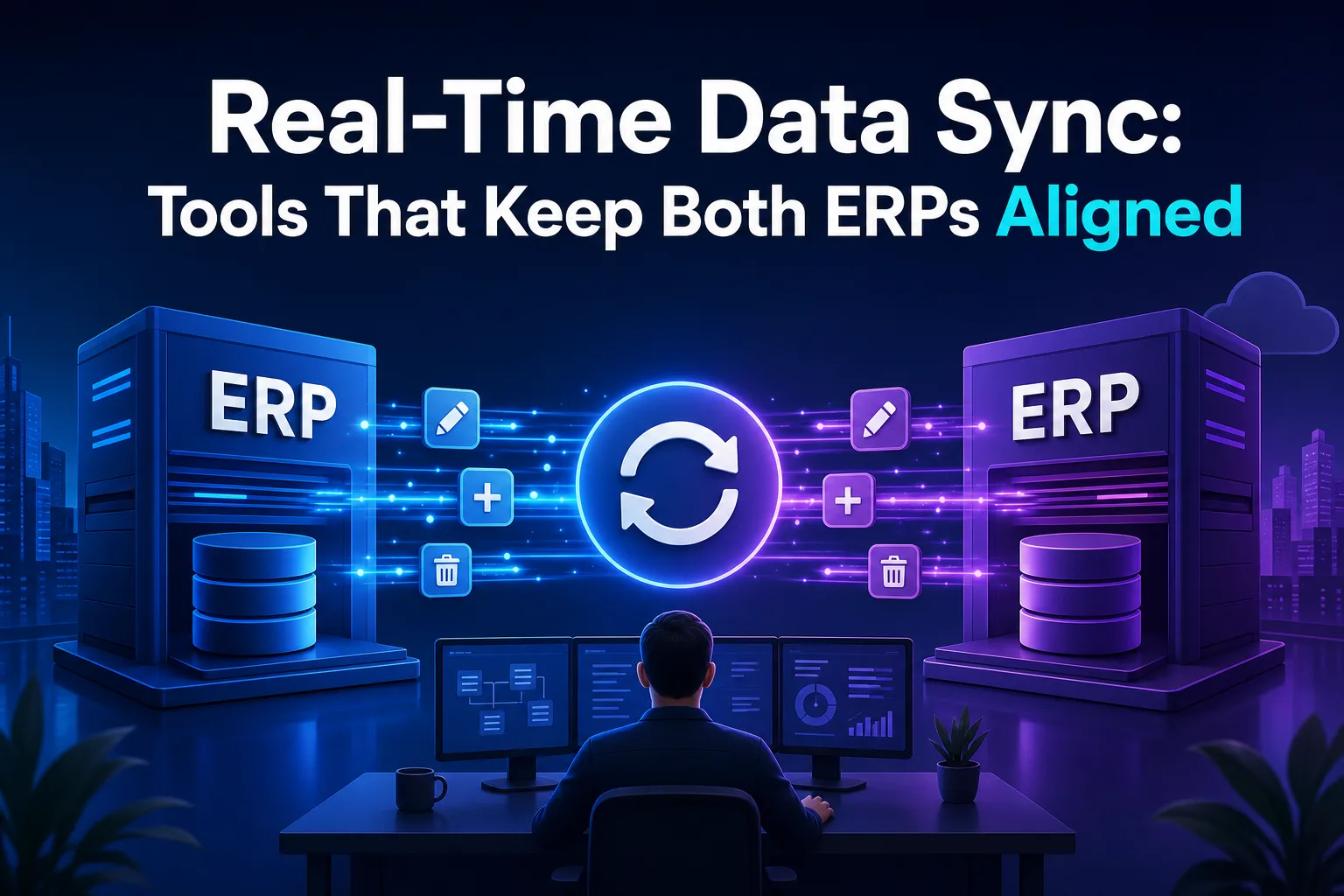
Keeping two ERPs perfectly in sync while users keep working isn’t easy. Real-time Change Data Capture (CDC) tools make it possible. Tools such as Oracle GoldenGate and SAP Zero Downtime Option watch every insert, update, and delete on the old system, then replay those changes to the new ERP instantly.
Choosing your CDC tool depends on your current setup and how much traffic you handle. Oracle GoldenGate is well known for speed in busy environments, while SAP’s Zero Downtime Option is designed for upgrades and migrations inside SAP landscapes. Using either keeps your old and new ERPs close to identical, with only a tiny lag.
Setting this up isn’t simple. Every ERP entity—accounts, customers, bills of materials—must be mapped, and you need to check that data types and business rules match. Automated ETL jobs and validation scripts help catch things before they become real problems. If you get this right, real-time sync is what allows a migration to finish without anyone noticing.
Cleaning Up Data Before You Move
Good data quality is what makes a migration run smoothly. If you move over bad data—duplicates, old records, or inconsistent info—you’re just moving headaches into your new system. Both SysGenPro and LinkedIn stress auditing data before migration begins.
The best way I’ve seen is to get department leads to review their master data: customers, vendors, products, and the chart of accounts. Hunt down duplicates, cut out inactive records, and flag fields that don’t make sense anymore. Automated scripts can find some problems, but human review is the only way to spot things like customers with conflicting addresses or suppliers who haven’t been active for ages.
Fixing these issues now saves hours of confusion after the migration and means your new ERP starts with solid, trustworthy data. You’ll spend less time firefighting after go-live, and your reporting won’t surprise you with numbers that don’t add up.
Phased Migration: Tackle Master Data First, Then Transactions
A “big bang” cutover sounds exciting but multiplies risk. SysGenPro recommends phasing the move. Start with master data—customers, vendors, products, chart of accounts. Getting this foundation into the new ERP first means you can test it thoroughly and fix issues early.
Once the master data is clean and validated, move on to transactional data. Don’t move everything at once. Begin with a sample, such as a week’s worth of invoices or orders. Check that this data loads accurately and works as expected. After this passes, go for the rest.
This phased plan makes problems easier to isolate and fix. If something goes wrong, you’re not dealing with a mountain of data. The old ERP remains the official system of record until every check passes on the new platform.
Why Mock Migrations Are Non-Negotiable
No team wants their first real cutover to double as a live launch. This is why at least two full mock migrations are standard practice. SysGenPro is clear on this: use a dedicated test environment to simulate everything, from extraction to reconciliation and user sign-off.
These rehearsals test every field mapping, transformation rule, and step in your runbook under real-world conditions. Issues pop up that you can’t find in documentation—permissions not propagating, scripts that break with edge cases, or integrations that go down under heavy use.
After each practice run, review every outcome. Are balances correct? Did all transactions appear where they should? Did the rollback work when you forced an error? These dry runs should mimic the real thing as closely as possible, right down to the timing and communication process. Only when you’ve nailed these do you set your final migration window, usually for a weekend or the quietest period you can get.
Cutover and Rollback: Blue-Green Deployments Done Right
On the big day, blue-green deployment is the go-to pattern. Savage Solutions lays it out: you bring up the new ERP (the “green” environment) alongside the legacy “blue” system. Synchronize every piece of data using CDC or batch replication, then test the green system with shadow traffic.
Once tests look good, you point users to the green ERP. Keep the blue system alive in parallel as a backup for a fixed validation period. If you spot missing orders or inventory mismatches, you can immediately switch traffic back to blue and fix the issue without halting operations.
Validation dashboards are your best friend here. They let you compare live balances, open orders, and inventory across systems before you pull the plug on the old one. Only after a period of stable results do you retire the blue environment for good.
For Cloud Moves: Strangler Fig and Dual-Write Patterns
If you’re moving from on-premises ERP to the cloud, the Strangler Fig and dual-write methods work well. Truto’s approach uses a migration layer—a middle piece of software that routes each new transaction to both the old and cloud ERPs.
At first, the legacy system stays the main record. Every write is dual-logged with idempotency keys, so duplicate transactions are ignored if they slip through. This keeps data consistent while both systems are active.
Once the cloud ERP is stable and passes all checks, it becomes the primary record. The old ERP switches to read-only for historical data. This approach lets you move one domain at a time, lowering the risk of breaking integrations or losing data during the switch.
Ownership and Decision-Making: One Person Calls the Shots

With so many teams involved, ERP migrations can turn into a blame game if you’re not careful. SysGenPro’s advice is practical: give one person—usually a senior project manager or director—full authority over cutover decisions.
Clear ownership keeps things moving and avoids finger-pointing when surprises crop up. The migration owner coordinates IT, business teams, and vendors, making sure everyone sticks to the plan and knows the rollback criteria.
Bottlenecks in decision-making are especially risky during late-night cutovers. When the owner is empowered, the team moves faster and avoids drawn-out downtime.
What Proves Success: Checks and Lessons After Migration
The real proof of a zero-downtime ERP migration is what you see after go-live. Automated dashboards, like those used by Codasol and SysGenPro, let you match up balances, open orders, and inventory between the old and new ERPs in real time.
If everything lines up, you can shut down the legacy system with confidence. If something’s off, these dashboards show exactly where to look—whether it’s a missing journal entry or a mismatched invoice. Ongoing monitoring during those first weeks is key to catching issues before they impact business.
After the dust settles, gather the team and go over what happened. Note what worked, what tripped you up, and what you’d do differently next time. This post-mortem turns a good migration into a repeatable plan for future projects.